e-GP login: fix sign-in and password problems on eprocure.gov.bd
By e-GP Sohayok editorial team · Published
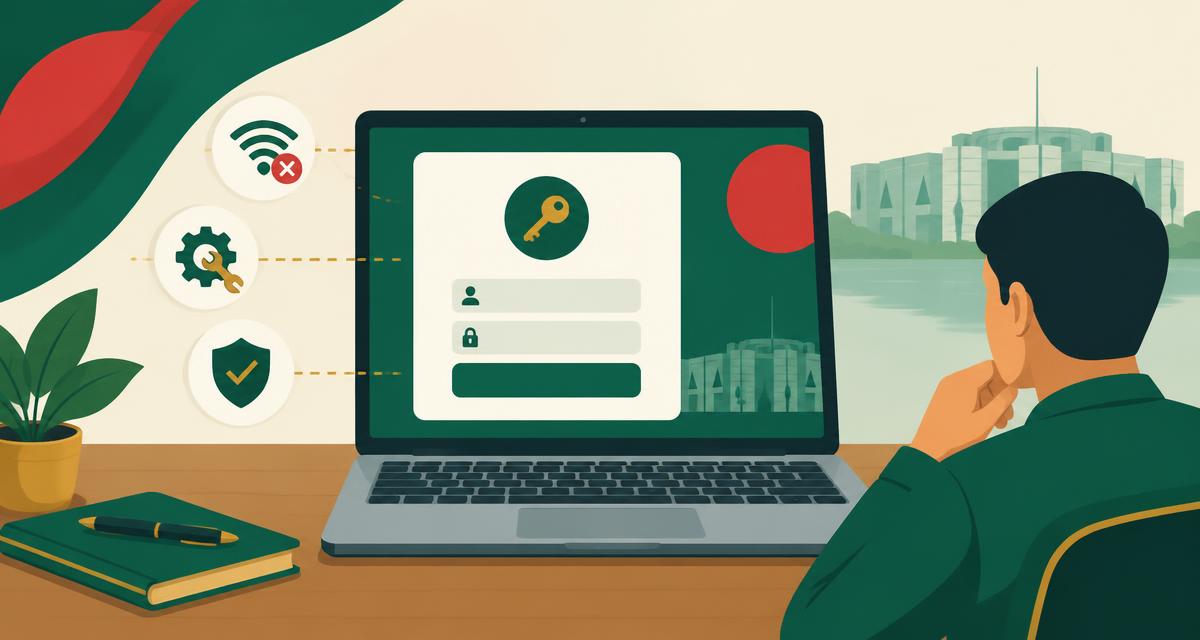
How to fix e-GP login problems in Bangladesh: recover a forgotten eprocure.gov.bd password, unlock an account after failed attempts, renew an expired signing certificate, and solve the browser issues that block the e-GP login page.
Before anything else: confirm which account you need
The e-GP portal has separate roles — tenderer, procuring entity and others — and the sign-in page differs for each. Most failed logins are simply the right password typed on the wrong role's page. Check your registration email to confirm the role and user ID you registered with before trying anything else.
Locked out after too many attempts
The portal temporarily locks an account after repeated wrong passwords. Wait for the lockout period to end rather than trying more guesses — every extra attempt extends the wait. If you cannot remember the password at all, go straight to the recovery steps below instead of guessing.
Expired digital signature certificate
Tender submissions on e-GP are signed with a digital certificate. When it expires, you can often still sign in but cannot submit. Check the certificate expiry date in your account settings well before a closing date, and renew through the portal's certificate process — renewal takes time, so treat it as a calendar task, not a closing-day task.
When nothing works: the help desk
BPPA runs a 24/7 help desk for e-GP users on 16575 (or +8809677016575 from abroad) and at helpdesk@eprocure.gov.bd. Keep your registered email, user ID and national ID number ready before calling — the help desk verifies your identity before touching the account.
Recover a forgotten password
- Open eprocure.gov.bd and choose the tenderer sign-in page, then select the forgotten-password option.
- Enter the email address you registered with — the reset link goes only to that address.
- Check the spam or junk folder if the reset email does not arrive within a few minutes.
- Choose a new password you have not used on the portal before, and store it somewhere safe.
- Sign in once with the new password before the tender closing date — never test a recovered account at the last minute.
Browser fixes that unblock the login page
- Use an up-to-date Chrome, Edge or Firefox — old browsers fail the portal's security checks.
- Enable cookies and JavaScript for eprocure.gov.bd; strict privacy extensions often block the login form.
- Clear the browser cache and cookies for the portal, then retry in a fresh window.
- Set the computer's date and time to automatic — a wrong clock breaks the security certificate check.
- Try a different network if the page never loads; some office firewalls block the portal's security ports.
Related guides
Official sources
ফ্রি অ্যাকাউন্ট খুলে টুলগুলো ব্যবহার করুন
Sign in to use the tender preparation tools
দরপত্রের কাগজ তৈরি, হিসাব যাচাই ও সংরক্ষিত নথি নিবন্ধিত ব্যবহারকারীদের জন্য। নিবন্ধন সম্পূর্ণ ফ্রি এবং সঙ্গে সঙ্গেই প্রবেশ করা যায়।
Prepare your tender documents with confidence
Once your e-GP login works, e-GP Sohayok helps you track closing dates and build print-ready bilingual draft forms that mirror the e-GP structure. Drafts are for your own review — you still submit on eprocure.gov.bd.
Create your free account