e-GP tender search: how to find the right tenders on eprocure.gov.bd
By e-GP Sohayok editorial team · Published
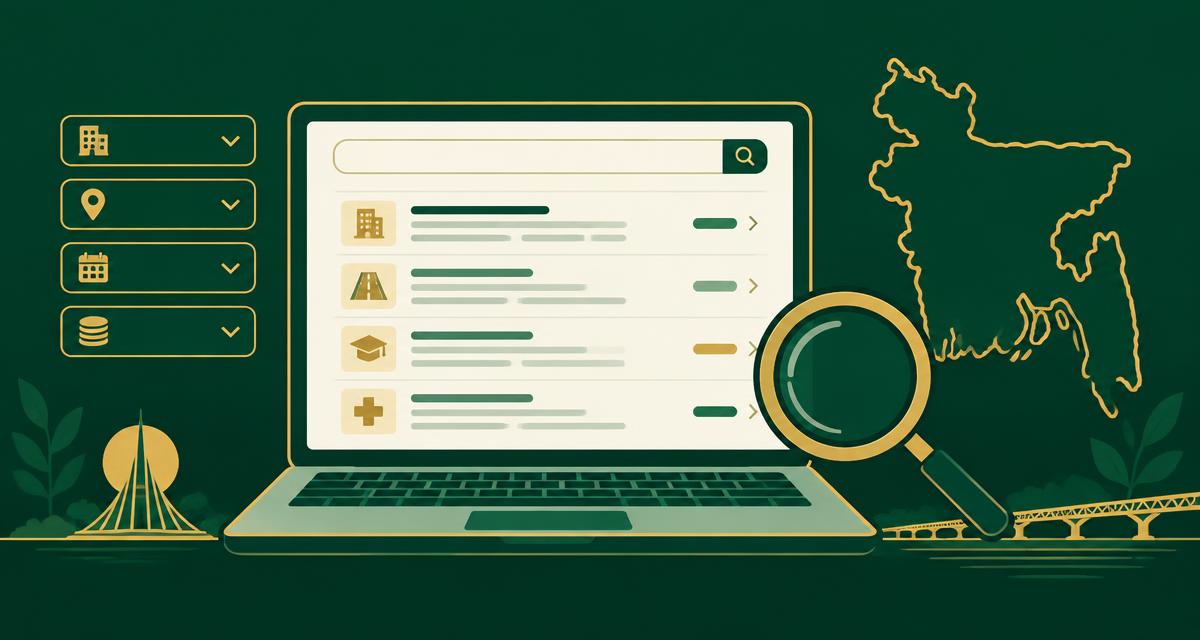
How to search e-GP tenders in Bangladesh: use the public tender notice search on eprocure.gov.bd, filter by procuring entity, district, procurement method and closing date, and read a tender notice before you decide to bid.
Where the tender search lives
Anyone can browse tender notices on the national e-GP portal at eprocure.gov.bd without logging in — the public Tender Notices / Invitation for Tender listing is open to all. Logging in with your tenderer account adds saved searches, the tenders you have shown interest in, and direct access to download tender documents. Start public to scan the market, then log in for the ones you will actually bid on.
Search broad first, then narrow
A keyword alone rarely works: the same item is described differently by each procuring entity. Start with your procurement type and district, look at how the notices are worded in your sector, then add keywords from that real wording. Save the combination that returns useful results and repeat it on a fixed schedule instead of searching randomly.
Watch the calendar, not just the list
Most missed bids are calendar failures, not search failures. Filter by closing date and ignore anything that closes before you can realistically assemble tender security, the technical schedule and the price schedule. For recurring buyers, note their annual procurement plan — it tells you roughly when the next notice appears.
Turn a found tender into a bid
Once you shortlist a tender, download the full tender document, check the eligibility table line by line against your own records, and only then start pricing. Missing a single eligibility document is the most common reason a technically capable firm gets rejected at evaluation.
Search filters worth using
- Procuring entity — narrow to the ministry, division, department or local office you already work with.
- District and upazila — the works or delivery location, so you only see tenders you can physically serve.
- Procurement type — goods, works, services or consultancy (intellectual services).
- Procurement method — OTM (Open Tendering Method), LTM (Limited Tendering Method), RFQ, DPM and the rest.
- Tender or reference ID — the fastest way to reopen a notice you already noted down.
- Publishing date and closing date — keep a window that leaves you enough days to prepare documents.
- Budget or tender value range, where the notice publishes it, to skip work outside your capacity.
What to read in the notice before bidding
- Tender ID and reference number — quote these exactly in every document you prepare.
- Closing and opening date-time — the portal clock is what counts, not your own.
- Tender security (bid security) amount and accepted form.
- Eligibility and qualification criteria: turnover, similar completed works, equipment and key personnel.
- Whether the tender runs under PPR 2008 or PPR 2025, so you cite the right rule.
- The document fee, if any, and where the pre-tender meeting will be held.
BPPA help desk operates 24/7 on 16575 or +8809677016575, and at helpdesk@eprocure.gov.bd.
Related guides
Official sources
ফ্রি অ্যাকাউন্ট খুলে টুলগুলো ব্যবহার করুন
Sign in to use the tender preparation tools
দরপত্রের কাগজ তৈরি, হিসাব যাচাই ও সংরক্ষিত নথি নিবন্ধিত ব্যবহারকারীদের জন্য। নিবন্ধন সম্পূর্ণ ফ্রি এবং সঙ্গে সঙ্গেই প্রবেশ করা যায়।
Track tenders and prepare documents in one place
e-GP Sohayok matches published tenders to your company profile and builds print-ready bilingual draft forms that mirror the e-GP structure. Drafts are for your own review — you still submit on eprocure.gov.bd.
Create your free account